From Raw Footage to Professional, AI-Assisted Content
Learn AI-Powered Video Editing Course in Telugu through a structured 15-day practical bootcamp. Master video editing fundamentals, Adobe Premiere Pro, professional editing techniques, audio editing, motion graphics, color grading, social media content creation, AI-assisted workflows, commercial editing, freelancing, portfolio building, and more.
AI-Powered Video Editing combines professional video editing skills with modern AI-assisted workflows to create engaging content faster and more efficiently. You’ll learn everything from editing fundamentals and Adobe Premiere Pro to motion graphics, sound design, color grading, and AI-assisted creation.
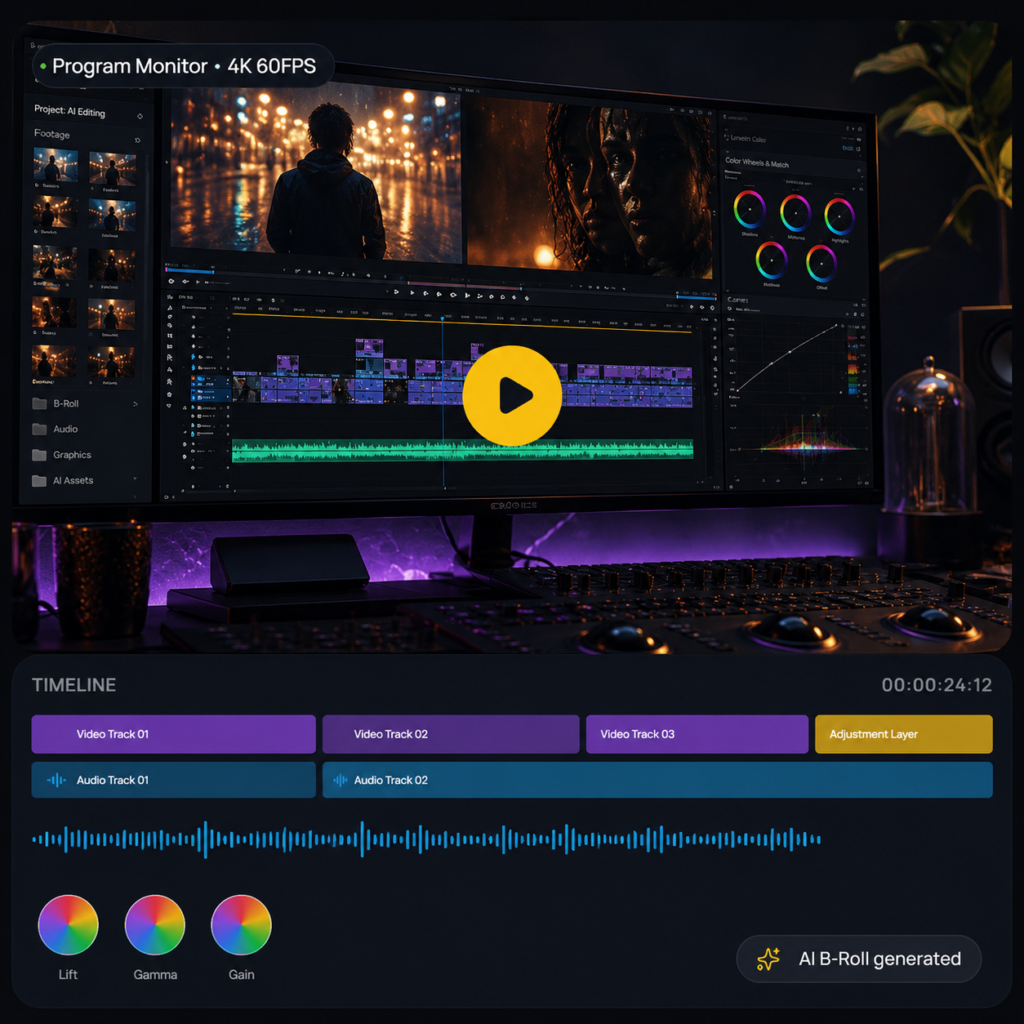
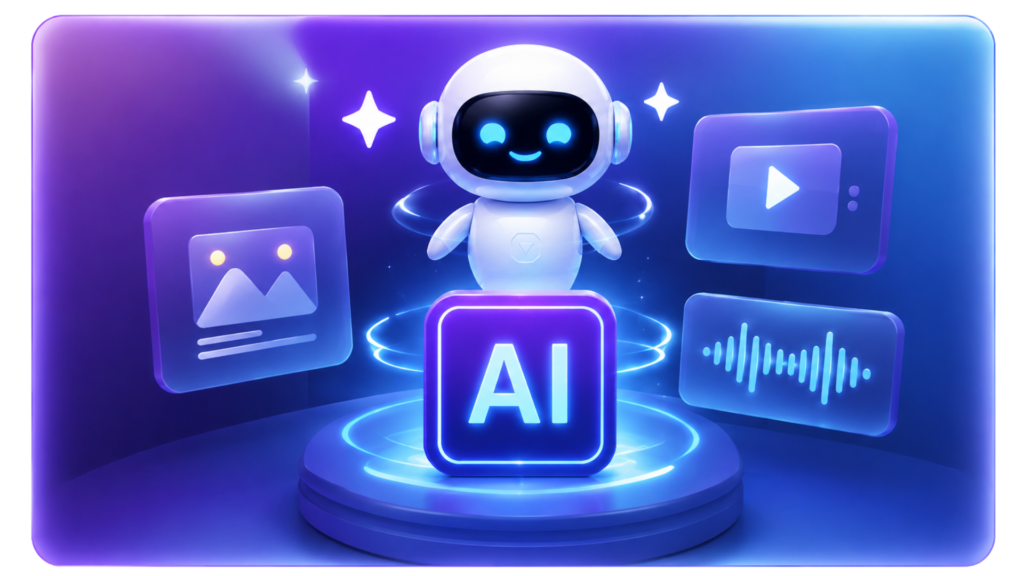
AI tools can support editors with image generation, video generation, B-Roll, captions, and voice enhancement, while strong editing fundamentals help turn those assets into polished, professional videos.
01 / EDIT
Professional Editing Skills
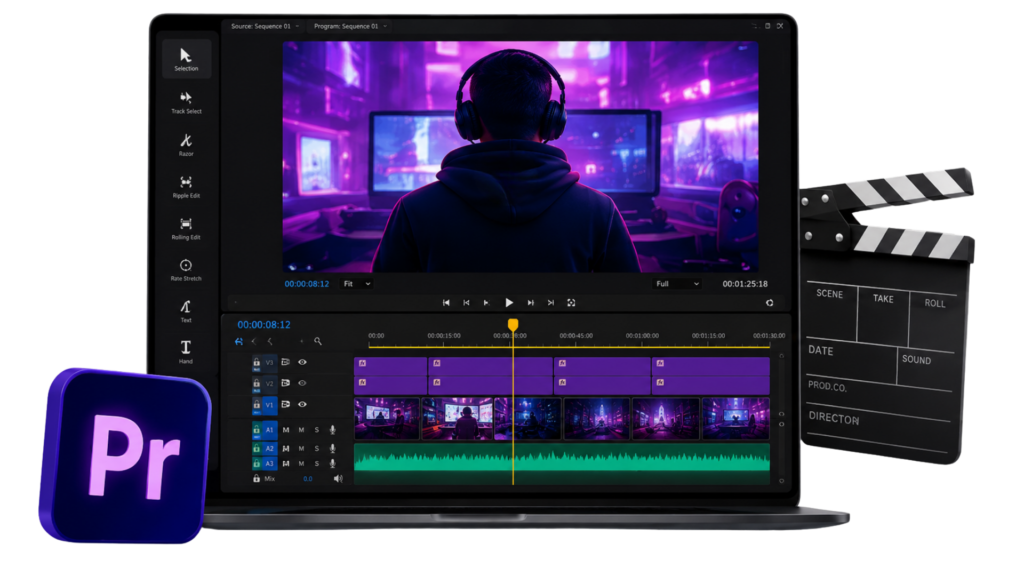
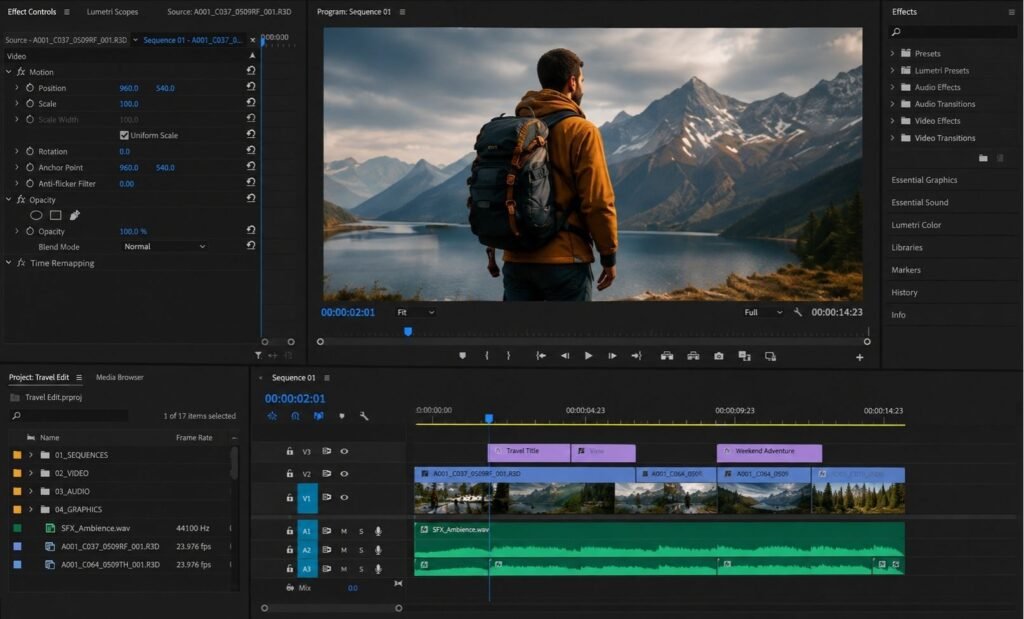
Master Premiere Pro, professional cuts, transitions, motion graphics, audio and production-ready editing workflows.
02 / AI
AI-Powered Workflow
Create smarter with AI-generated images, video, B-Roll, captions and voice enhancement using modern AI-assisted workflows.
03 / CREATE
Create Content That Stands Out
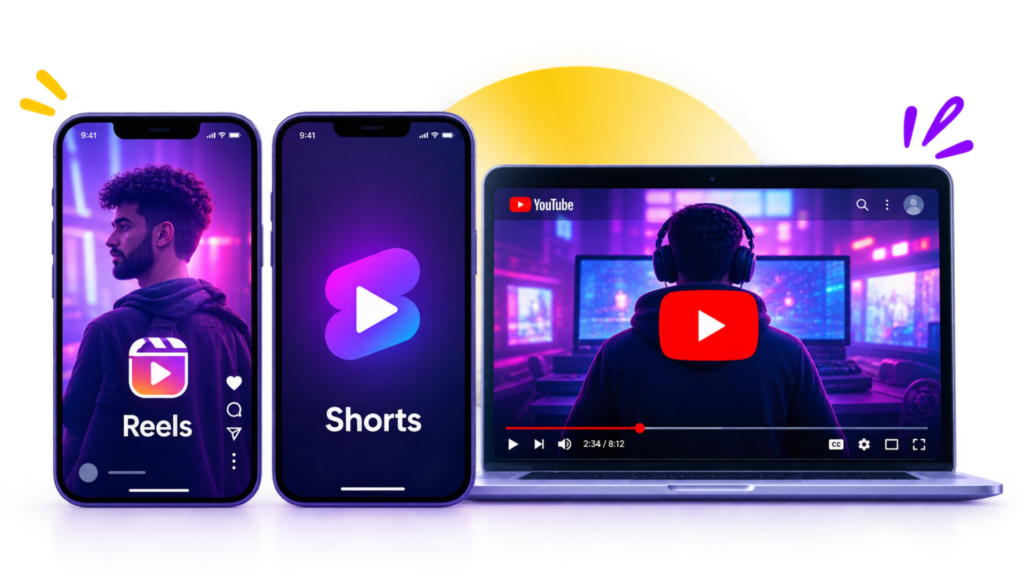
Create high-retention Reels, Shorts, YouTube videos, advertisements and branded content with professional storytelling.
Adobe Premiere Pro
AI-Assisted Editing
Reels & YouTube
Portfolio & Freelancing
Course overview
What You'll Learn
The complete skill map covered across the 15-day syllabus.
01 / FOUNDATION
Video Editing Fundamentals
Master FPS, resolution, aspect ratios, formats and visual storytelling basics.
FPS
Resolution
Storytelling
02 / SOFTWARE
Adobe Premiere Pro
Explore the interface, workspaces, project panel and professional media organization.
Interface
Workspaces
Project Panel
03 / EDITING
Timeline & Professional Cutting
Learn sequences, Razor Tool, Ripple Edit, Rolling Edit and professional rush cuts.
Sequences
Razor
Rolling Edits
04 / EFFECTS
Motion, Effects & Transitions
Master keyframes, transitions, stabilization, and visual effects.
Keyframes
Effects
Transitions
05 / AUDIO
Audio Editing & Sound Design
Master voice enhancement, music, SFX, and audio balancing.
DeNoise
SFX
Audio Balance
06 / COLOR
Color Correction & Grading
Master Lumetri Color, curves, color wheels, LUTs and professional skin-tone correction.
Lumetri
LUTs
Color Grading
07 / YOUTUBE
YouTube Long-Form Editing
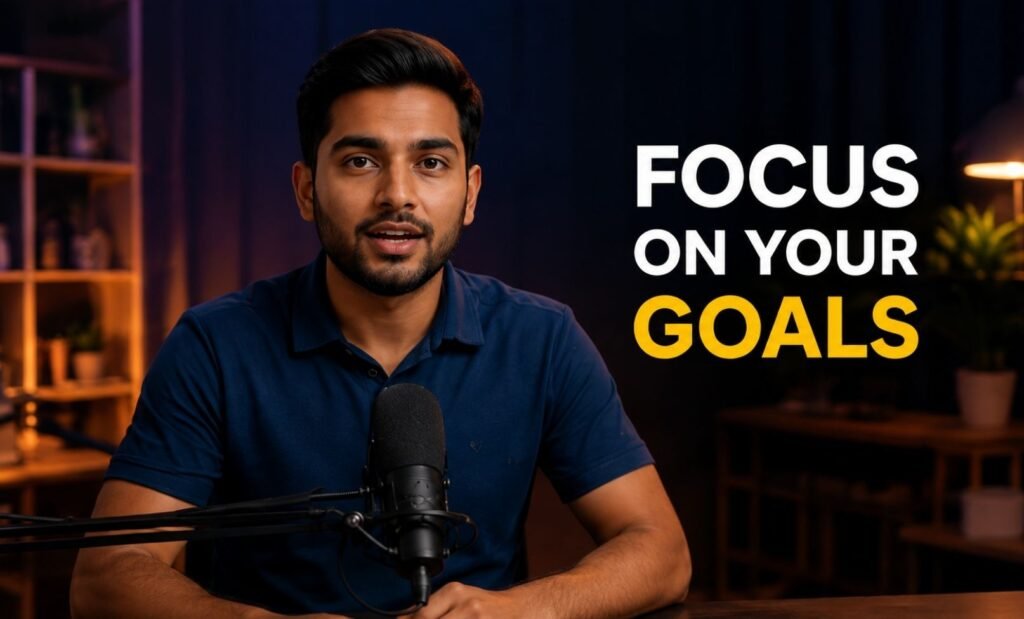
Edit talking-head videos, educational content, vlogs and interviews with professional pacing.
Talking Head
Vlogs
Interviews
08 / AI ✦
AI for Video Editing
Create AI visuals, B-Roll, captions, and enhanced voice.
AI Images
B-Roll
Captions
09 / CAREER
Freelancing & Portfolio
Learn client requirements, pricing, delivery, and portfolio building.
Fiverr
Upwork
Portfolio
Why is 2026 the Perfect Year to Learn AI-Powered Video Editing?
AI is transforming how videos are created, edited, and delivered. Learn professional editing with AI-powered workflows and build skills for today’s content-first world.
Video Content Is Everywhere
From YouTube and Instagram to brands and businesses, video has become a key content format. Learn to edit Shorts, Reels, YouTube videos, interviews, promotional videos, and more.
AI Is Changing Video Editing
Modern editors can combine traditional editing skills with AI-powered workflows. Learn AI video editing, image and video generation, AI B-Roll, captions, and voice enhancement.
Go Beyond Basic Editing
Build practical skills in Premiere Pro, professional cuts, motion graphics, sound design, color grading, transitions, and storytelling—not just basic trimming.
Turn Your Skills Into a Portfolio
Work on practical assignments, Reels, YouTube videos, advertisements, AI-assisted videos, and a final capstone while building your portfolio and showreel.
Syllabus
15-Day Industry-Focused Curriculum
From Editing Fundamentals to AI-Powered Professional Workflows
01. Video Editing Fundamentals
Objectives
What is Video Editing?
Types of Video Content
Frame Rate & FPS
Resolution
Aspect Ratio
Video Formats & Codecs
Basic Storytelling Principles
Basic Editing Workflow
02. Premiere Pro Basics & Project Organization
Objectives
Premiere Pro Interface
Creating a New Project
Workspaces
Project Panel
Source Monitor
Program Monitor
Importing Media
File & Folder Organization
Premiere Pro Preferences
03. Sequences, Timeline & Basic Cutting
Objectives
Sequences
Sequence Settings
Resolution & FPS
Timeline
Video & Audio Tracks
Adding Media
Selection Tool
Razor Tool
Ripple Edit
Rolling Edit
Track Select
Keyboard Shortcuts
04. Professional Editing Basics
Objectives
Removing Unwanted Footage
Jump Cuts
B-Roll
Storytelling Through Cuts
J-Cuts
L-Cuts
05. Motion, Effects & Transitions
Objectives
Effect Controls
Position
Scale
Rotation
Opacity
Anchor Point
Keyframes
Basic Animation
Adjustment Layers
Video Effects
Basic & Preset Transitions
Overlay Transitions
Crop
Transform
Warp Stabilizer
Gaussian Blur
Directional Blur
Ultra Key
Drop Shadow
Track Matte Key
06. Audio Editing & Sound Design
Objectives
Audio Basics
Noise Reduction
DeNoise
Compression
Voice Enhancement
Background Music
Sound Effects
Audio Levels
Audio Balancing
07. Text, Captions & Motion Graphics
Objectives
Text Tool
Essential Graphics
Text Animation
Titles
Captions & Subtitles
MOGRT Files
Basic Motion Graphics
08. Color Correction & Color Grading
Objectives
Lumetri Color
Basic Correction
White Balance
Exposure
Contrast
Highlights & Shadows
Saturation
Curves
Color Wheels
LUTs
Skin Tone Correction
Adjustment Layers
09. Social Media / Short-Form Editing
Objectives
Instagram Reels
YouTube Shorts
9:16 Format
Hook-Based Editing
Fast Pacing
Jump Cuts
Dynamic Captions
B-Roll
Sound Effects
Retention Techniques
10. YouTube Long-Form Editing
Objectives
Talking Head Editing
Educational Videos
Vlog Editing
Interview Editing
Long-Form Workflow
B-Roll Placement
J-Cuts & L-Cuts
Pacing
Retention
Background Music
Sound Design
Text & Graphics
11. AI for Video Editing
Objectives
AI Video Editing
AI Image Generation
AI Video Generation
AI B-Roll
AI Captions
AI Voice Enhancement
Tools introduced: Adobe Firefly, Runway, Descript
12. Commercial & Professional Video Editing
Objectives
Advertisement Editing
Product Video
Corporate Video
Promotional Video
Testimonial Video
Real Estate Video
Brand Storytelling
13. Professional Workflow & Export
Objectives
Professional Project Organization
File Management
Missing Media
Relinking Media
Project Backup
Keyboard Shortcuts
Presets
Plugins & Extensions
Rendering
MP4 Export
YouTube Export
Instagram Export
Shorts Export
Audio Export
Adobe Media Encoder
Transparent Video
14. Freelancing + Portfolio + Showreel
Objectives
What Clients Expect
Understanding Client Requirements
Client Communication
Project Estimation
Pricing Basics
Revisions
Deadlines
File Delivery
Platforms: Fiverr, Upwork, LinkedIn, Direct Client Outreach
At Frontlines Edutech, we believe in transforming careers. Our AI-Powered Video Editing Bootcamp focuses on practical, project-based learning that helps learners build professional editing skills, explore AI-assisted workflows, and create portfolio-ready work.
Happy Students
0k+
Batches Conducted
0+
Years Of Experience
0+
Satisfaction
0%
Frequently Asked Questions
Is this bootcamp beginner-friendly?
Yes. No prior knowledge is required. The bootcamp moves from basics to advanced concepts in a systematic way.
What is the primary editing software?
Adobe Premiere Pro.
Does the course cover AI video editing?
Yes. The syllabus includes AI video editing, AI image generation, AI video generation, AI B-Roll, AI captions and AI voice enhancement.
Which AI tools are introduced?
Adobe Firefly, Runway and Descript.
Will I work on practical projects?
Yes. The bootcamp contains daily practical assignments, mini projects and a final capstone project.
Will I create a portfolio?
Yes. Portfolio creation and a 30–60 second showreel are part of the syllabus.
Does the course cover social media video editing?
Yes. Instagram Reels, YouTube Shorts and retention-focused short-form editing are included.
Does the course cover YouTube editing?
Yes. Long-form YouTube editing — talking head, educational, vlog and interview edits — is included.
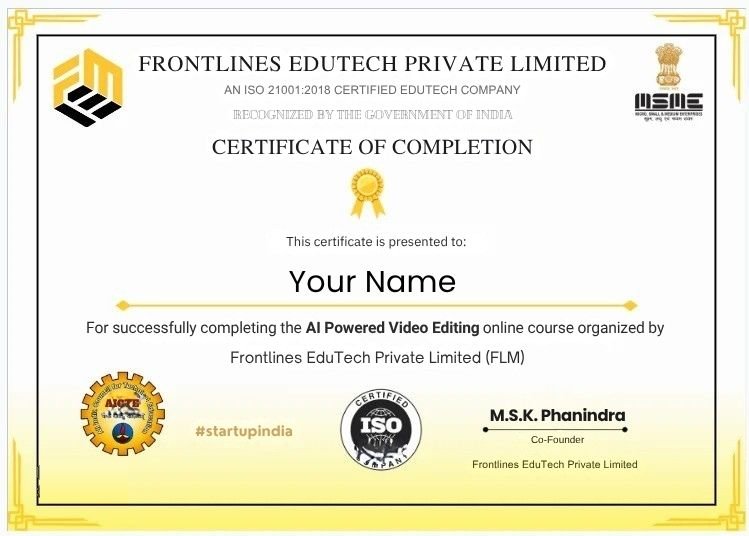
Get Certified
Earn your AI-Powered Video Editing Course Completion Certificate and showcase the practical skills and projects you build throughout the bootcamp.